Getting Started
Manage your team
Last updated 2026-07-10
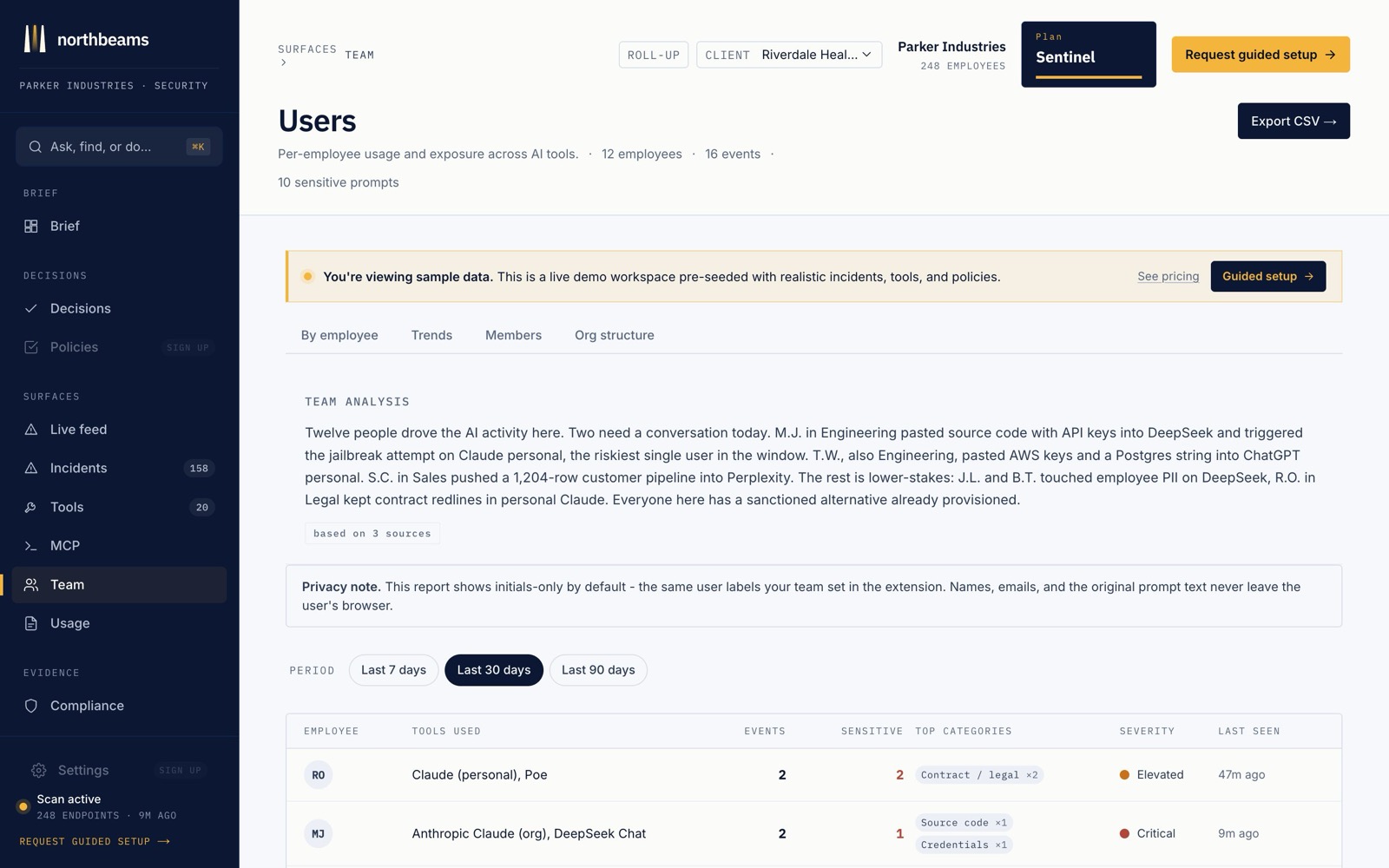
The Team page is everyone in your workspace and what each person can see. Northbeams attributes activity per user, so every action ties back to a real person.
What you can do
- Invite teammates. Each person installs the surfaces and signs in; their activity shows up under their name.
- Per-user attribution. Every prompt, block, and detection ties to a person, on their own signed audit log.
- Set roles. Decide who administers policy and who just uses the tools.
- Offboard cleanly. Remove someone the day they leave. Larger orgs can wire SCIM so offboarding is automatic.
Per-user attribution is what turns "someone on the team pasted customer data" into "here is exactly who, when, and what," which is the difference between a shrug and an answer.