Using Northbeams
Investigate incidents
Last updated 2026-07-10
The Incidents page collects the events worth a second look: a blocked prompt, a high-risk paste, a lookup to a risky domain. It is where you go when something needs investigating.
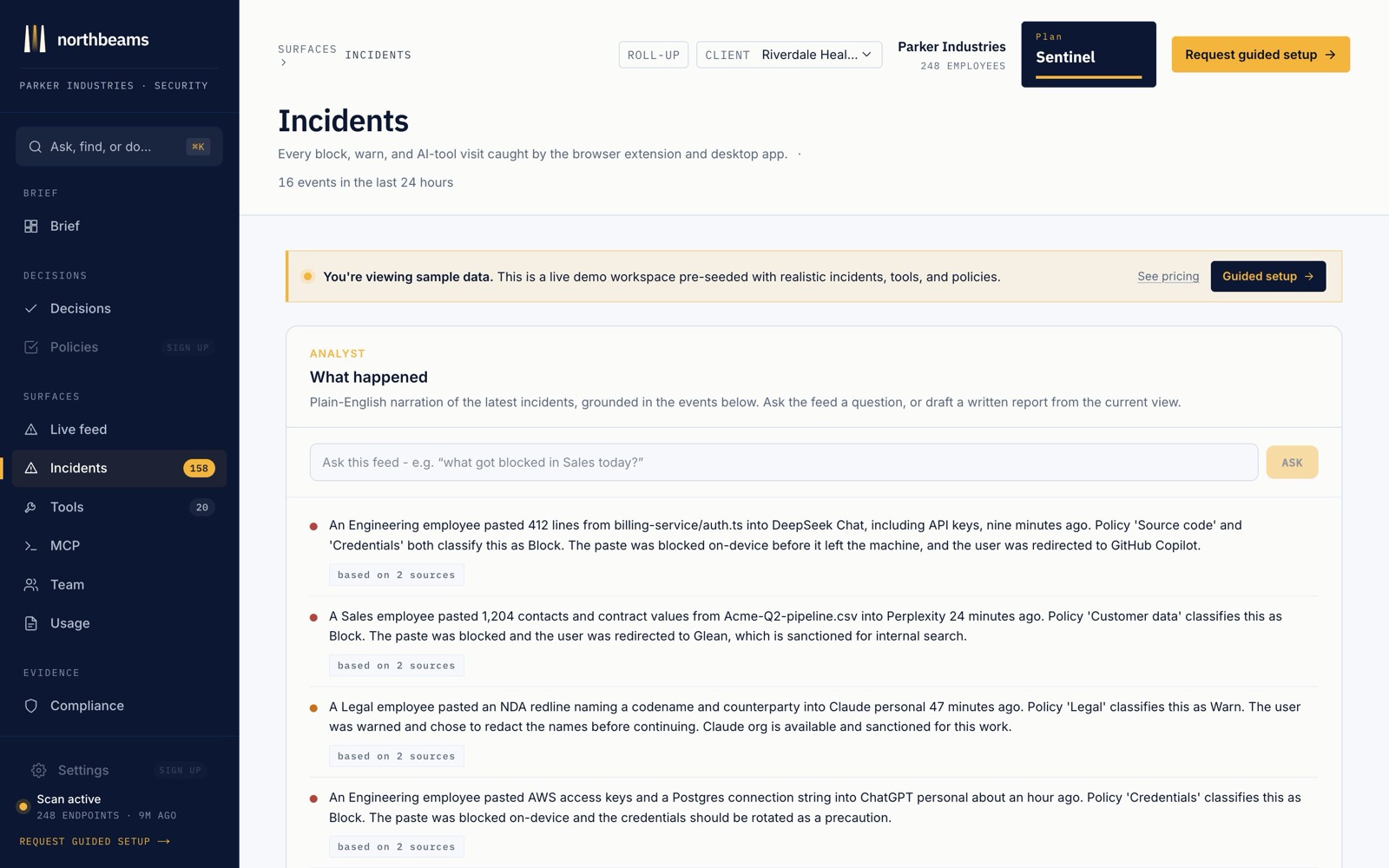
What each incident shows
- Who, what, when, and which tool.
- The redacted detail of what was involved, so you understand the risk without exposing the sensitive content itself.
- A severity: critical, elevated, or watch.
What you can do
- Filter to the critical ones first, so the loudest signals rise to the top.
- Acknowledge an incident once you have looked at it.
- Turn a repeat offender into a block so it stops happening. Blocks flow straight into your policies.
Every incident is also written to your audit log, so the record is there when an auditor or an investigation asks.